EZTools

Magnify the view
Use your phone camera to see text and details at a larger size.

Camera magnifier
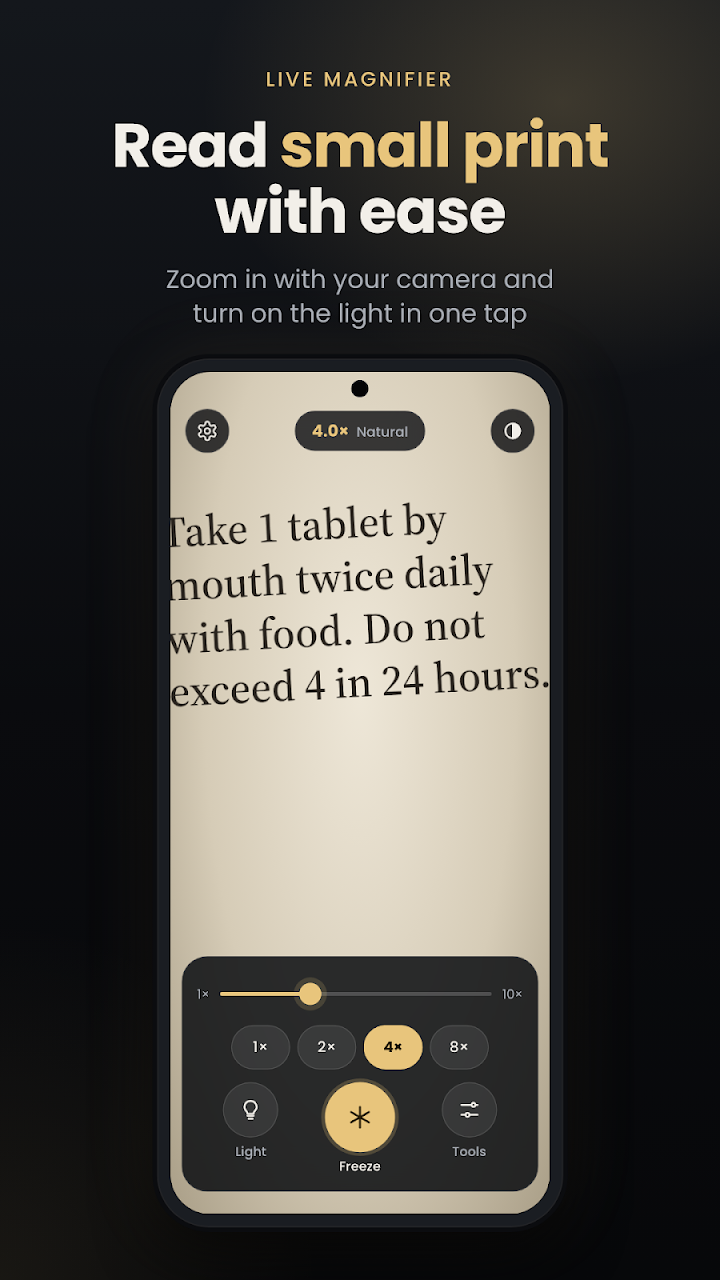
Use PixMagnify to magnify nearby text and details, turn on the light, and freeze the image for a closer look.
Get it on Google PlayAvailability, pricing, and device compatibility are shown on Google Play.
THE LITTLE DETAILS
Use your phone camera to see text and details at a larger size.
Add light when you need a brighter view.
Hold the current image on screen to look more closely.
App screenshots
App screens shown in English. The interface may vary by version and language.
GETTING STARTED
Point your camera at text or a detail.
Magnify the view and turn on the light if needed.
Freeze the image for a closer look.
For questions or feedback, contact EZTools and include the app name. You can also read this app’s privacy policy below.